 Credit: Lucas Gouveia / Android Police | kungfu01 / Shutterstock
 By
Parth Shah
Published Jan 25, 2026, 9:30 AM EST
By
Parth Shah
Published Jan 25, 2026, 9:30 AM EST
Parth is a technology analyst and writer specializing in the comprehensive review and feature exploration of the Android ecosystem. His work is distinguished by its meticulous focus on flagship devices, particularly Google Pixel and Samsung mobile hardware and software.
Parth's insightful commentary extends beyond device specifics. He provides expert guidance on productivity software, system optimization, and the advanced functionalities that allow users to maximize their device's potential. His analyses are crucial resources for readers seeking to master complex operating system features and streamline their digital workflows.
When he is not busy with technical analysis and software evaluation, Parth dedicates his time to watching K-dramas, studying mobile technology trends and the role of artificial intelligence.
Sign in to your Android Police account Add Us On Summary Generate a summary of this story follow Follow followed Followed Like Like Thread Log in Here is a fact-based summary of the story contents: Try something different: Show me the facts Explain it like I’m 5 Give me a lighthearted recapWhile Spotify and YouTube Music are the default soundtracks for most commutes, they often feel like walled gardens — cluttered with unwanted recommendations and rising subscription costs.
For those of us who prefer total control over our libraries, whether it’s through high-res local files, self-hosted servers, or specialized podcast players, the standard options often fall short.
If you are looking to break free from the big two and reclaim your dashboard, Android Auto has a deep ecosystem of third-party apps that prioritize privacy, customization, and audio quality.
 Related
8 Android Auto apps that have nothing to do with music or maps (but you need them)
Related
8 Android Auto apps that have nothing to do with music or maps (but you need them)
Android Auto apps you didn't know you needed
Posts 9 By Ben KhalesiAmazon Music
 Close
Close
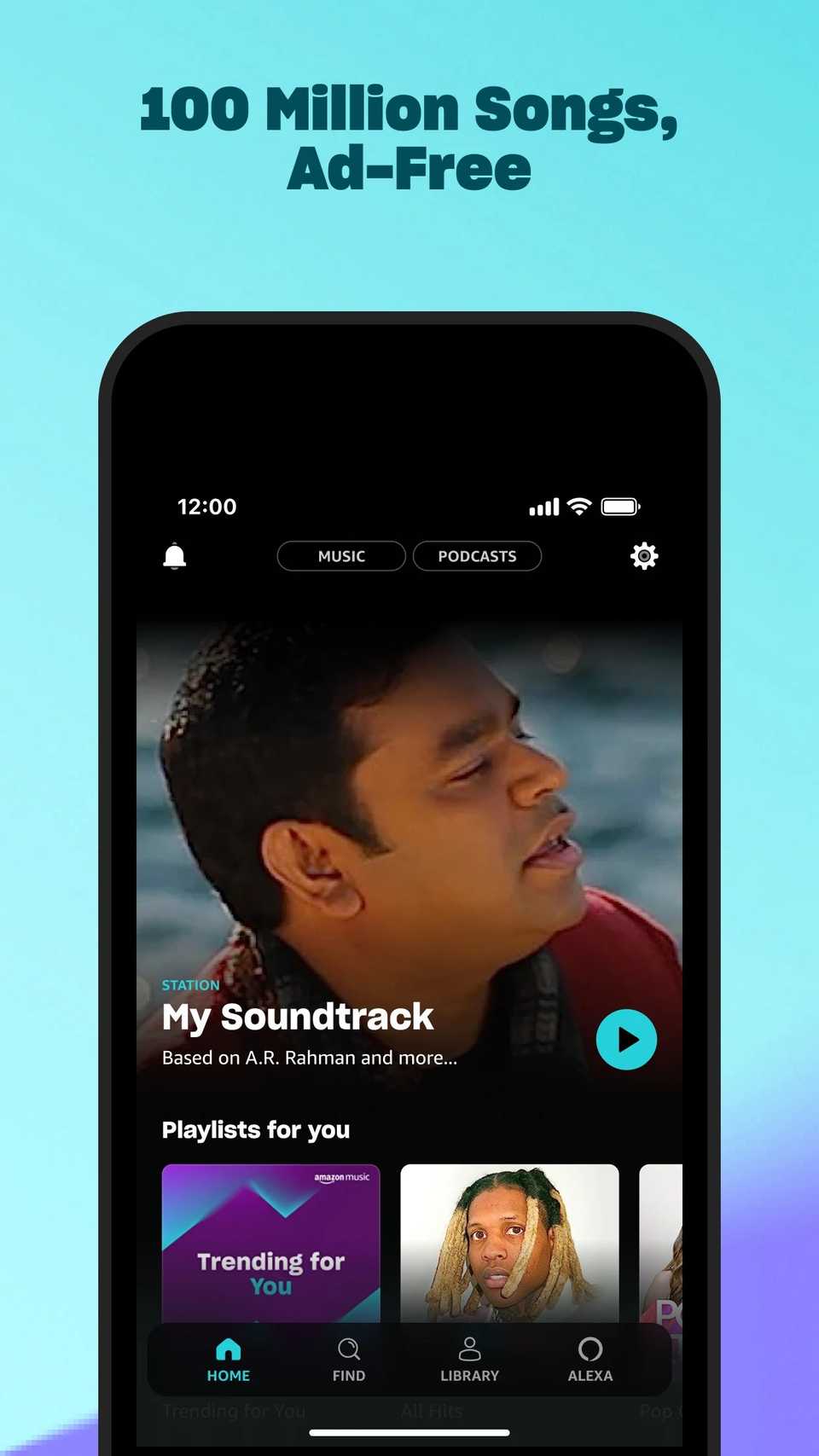
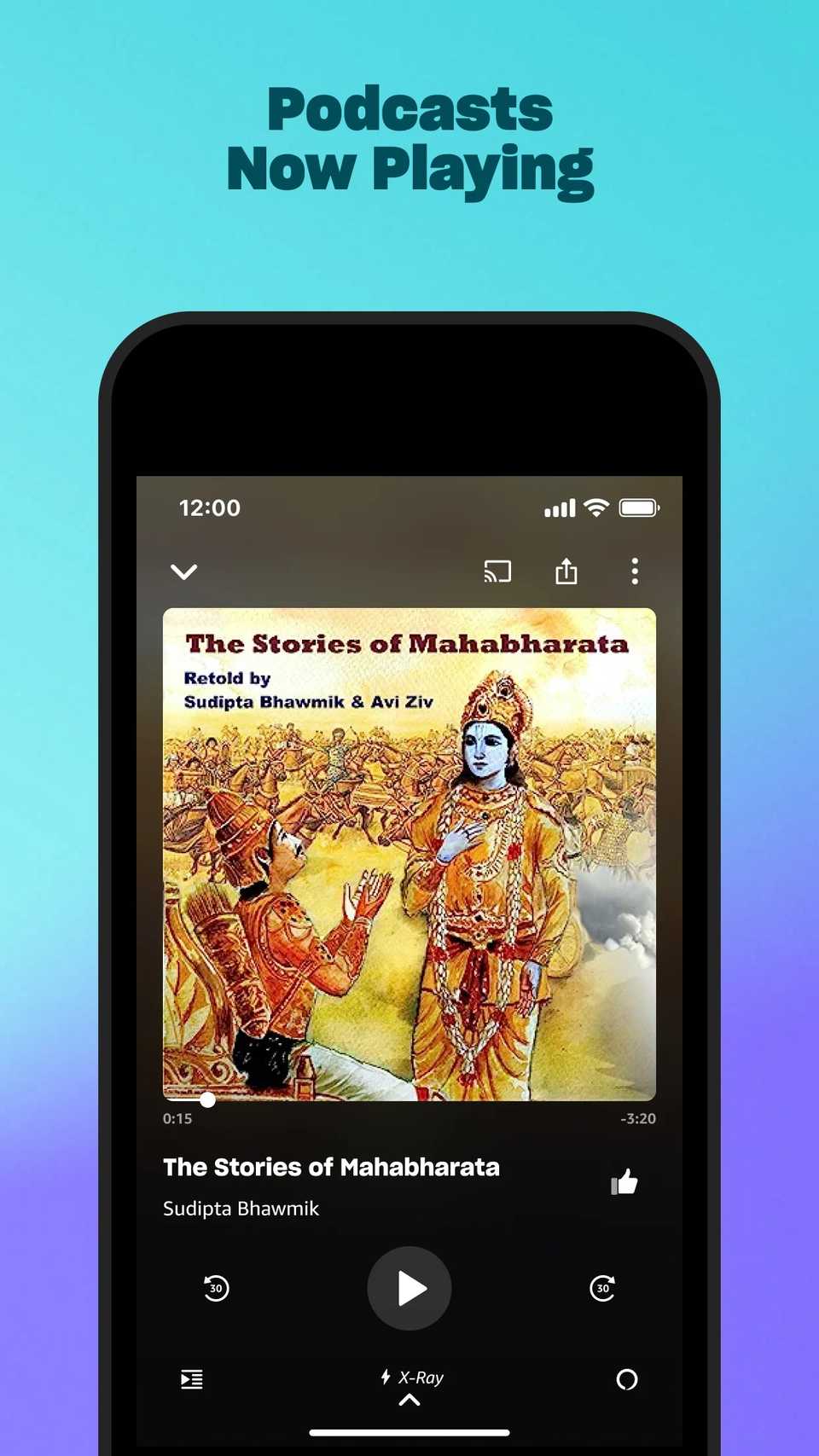
Amazon Music is a strong contender for those who already have a Prime membership.
While it is a giant on its own right, its Android Auto implementation offers a distinct experience – especially for audiophiles and Alexa power users.
If you are already deep in the Amazon ecosystem or a Prime member, Amazon Music is a compelling alternative that brings high-end audio to your dashboard.
While it lacks the social polish of Spotify, it compensates with a massive library of lossless and Ultra HD tracks that truly shine if your car has a premium sound system.
The standout feature for the driving experience is the deep integration with Alexa.
While Android Auto typically relies on Google Assistant, Amazon Music allows you to use Alexa wake words to navigate the library without ever taking your eyes off the road.
Amazon Music’s most significant pro is its cost-to-value ratio. If you are a Prime subscriber, you already have access to a massive ad-free catalog at no extra cost.
Playapod
 Close
Close
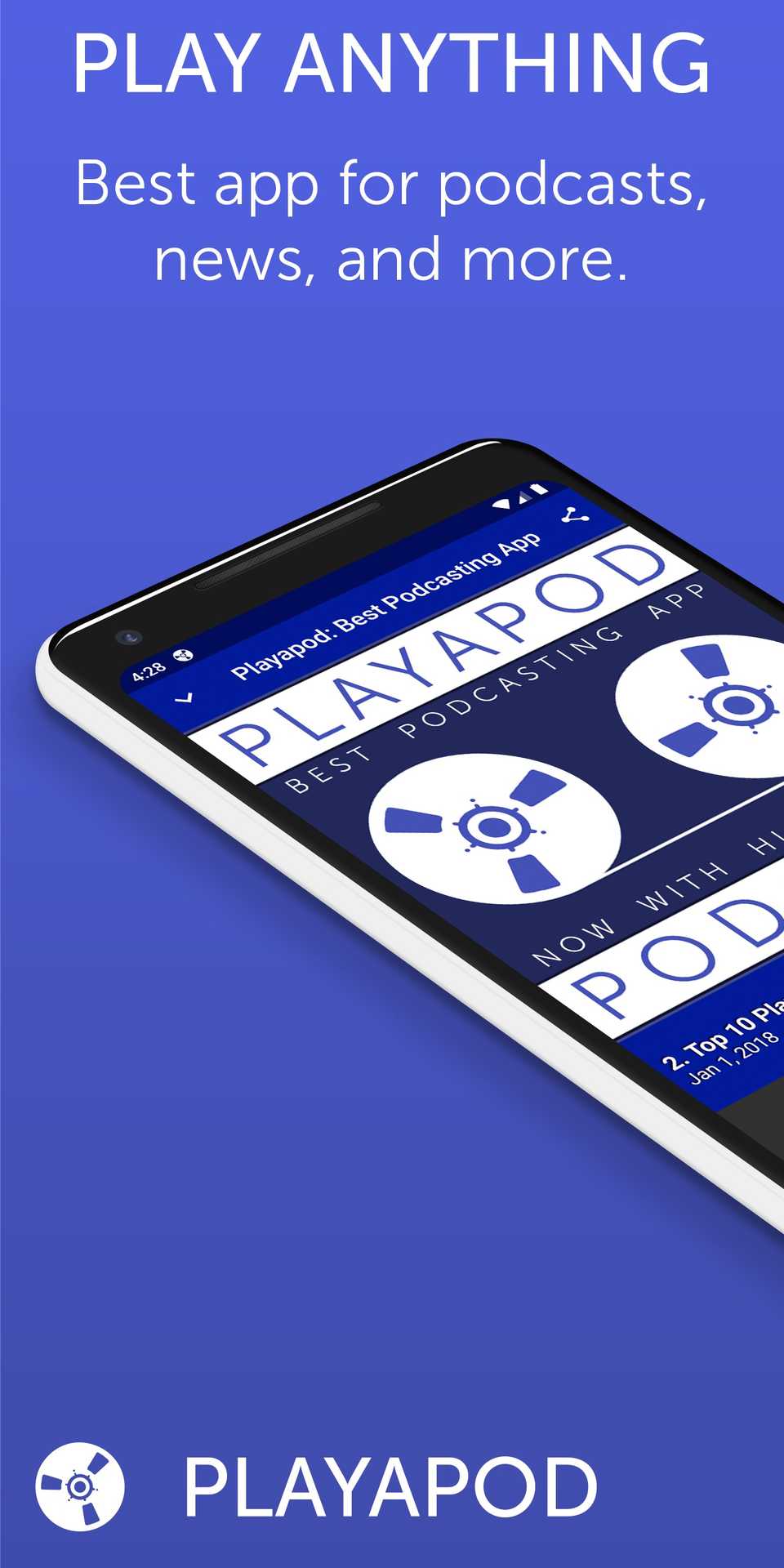
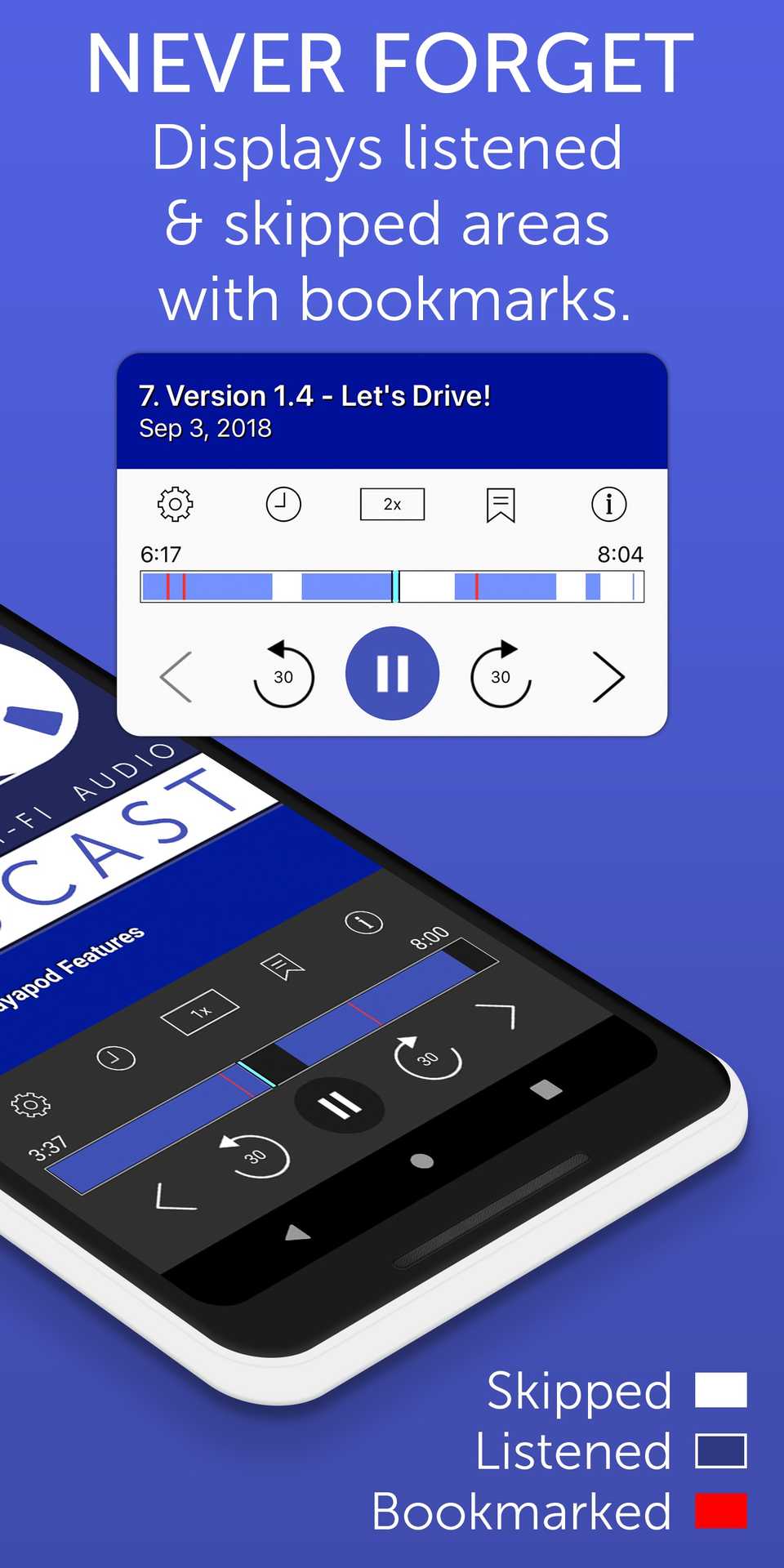
If you are tired of podcast apps that feel more like advertising platforms than media players, Playapod is your answer.
It offers an ad-free experience without the heavy tracking or battery-draining background processes found in mainstream giants.
On Android Auto, this translates to a snappy, high-performance interface that focuses on your actual content.
For drivers who listen to long-form educational content or tech shows, the Bookmark feature is a game-changer.
You can time-code specific moments with a quick tap and return to a particular point of interest later when you are no longer focused on driving.
With the recently introduced version 2.0, the company took the entire setup to the next level by offering many new features like news and blog subscriptions, video playback, custom groups, and much more.
The app’s standout feature is its precision cross-platform syncing; it tracks your progress down to the second, meaning you can start a show on your tablet at home and have it queued up at the exact same moment your car’s dashboard.
LibriVox Audio Books
 Close
Close
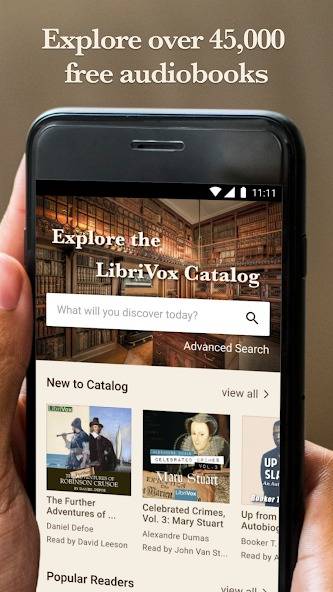
If your commute feels like the perfect time to catch up on the classics, LibriVox Audio Books is an essential alternative to the commercial giants.
Unlike Audible, which focuses on modern bestsellers, LibriVox provides unlimited access to over 45,000 titles — from Sherlock Holmes to Pride and Prejudice — completely for free.
The app bypasses the complicated credit systems of paid apps and offers a clean, list-based interface that lets you dive straight into your Recent Books or Favorites.
A standout feature for drivers is the Variable Playback Speed, which allows you to adjust the narration to suit your pace.
For travelers heading through rural areas or long tunnels, LibriVox’s Download feature is a lifesaver.
I highly recommend downloading and exploring the available library before your next road trip.
 Related
8 things Android Auto does that CarPlay just can't match
Related
8 things Android Auto does that CarPlay just can't match
Android Auto has the edge in 2025
Posts 10 By Ben KhalesiPlexamp
 Close
Close
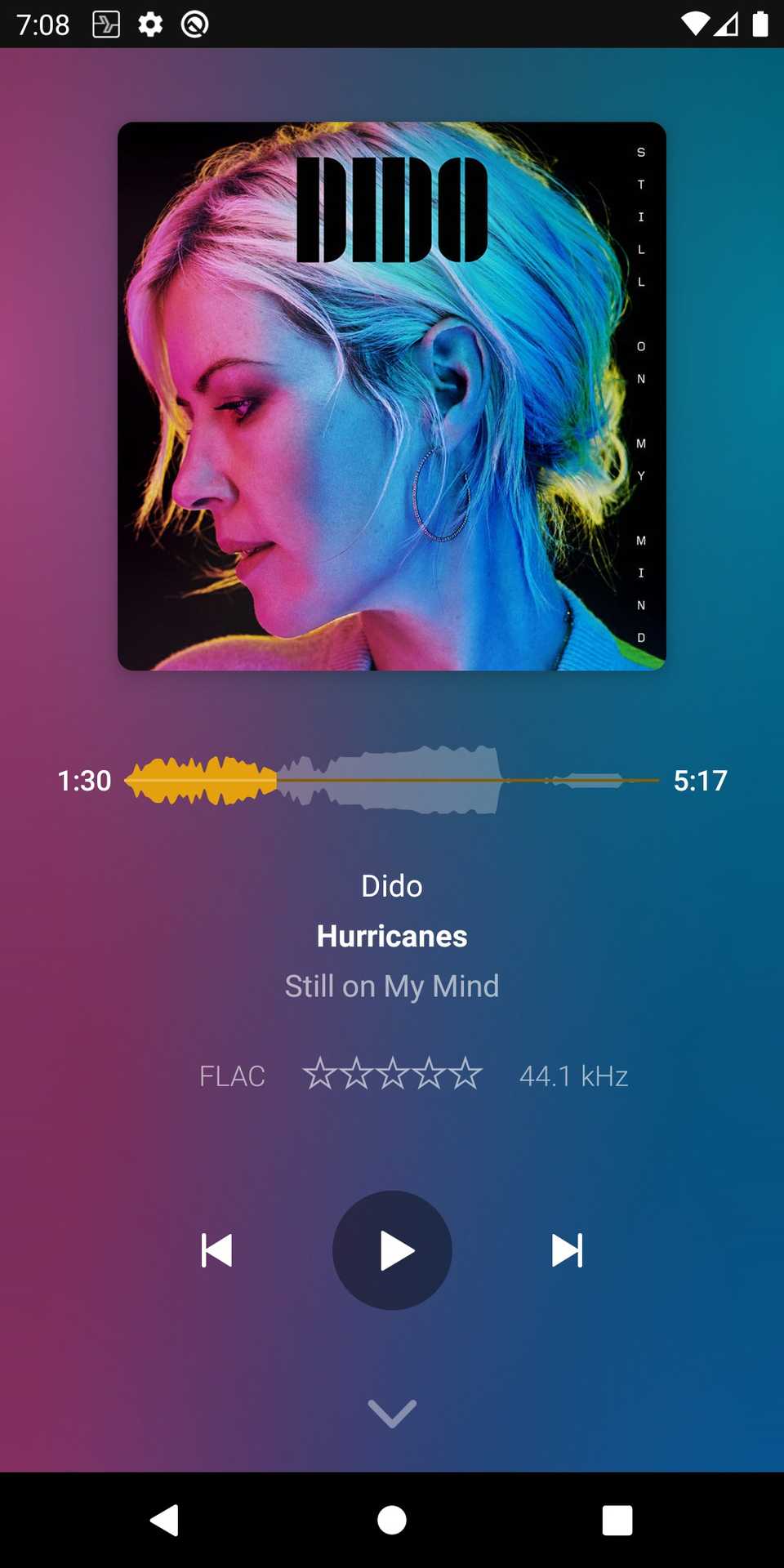
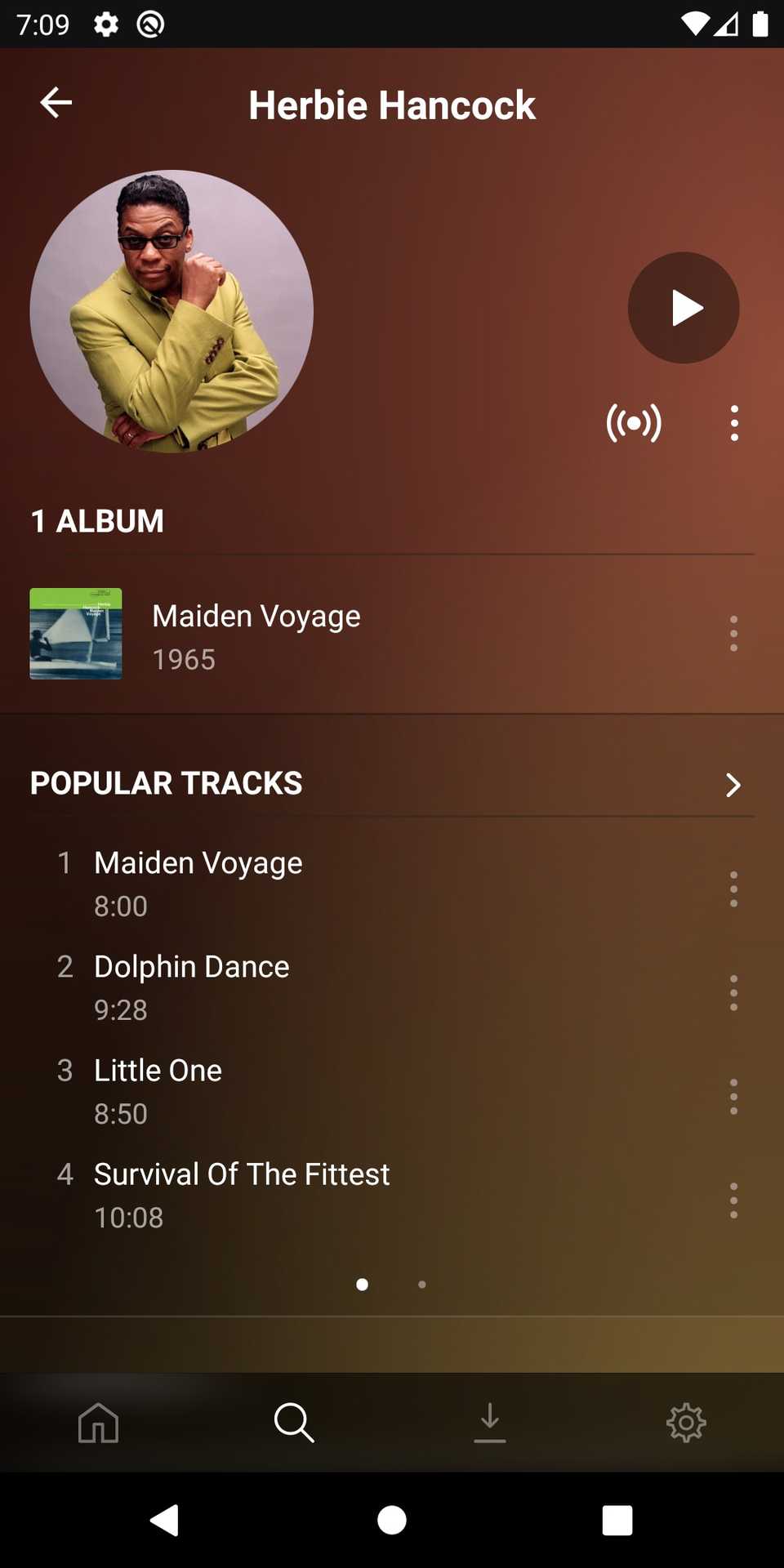
For the self-hosting enthusiast, Plexamp is the ultimate answer to the likes of Spotify and YouTube Music.
It’s a dedicated music player that sits on top of your Plex server, and its Android Auto integration is spot on.
Unlike the main Plex app, which can feel bloated with movies and TV shows, Plexamp is built purely for audio.
On your dashboard, this translates to a lightning-fast interface that prioritizes your personal media library.
What truly makes Plexamp a powerhouse for Android Auto is how it handles discovery within your own collection.
Features like Library Radio, Time Travel Radio, and Guest DJ are accessible directly from your car’s touchscreen.
When you combine this with its robust offline caching, Plexamp becomes the most reliable and sophisticated way to bring a high-end, private music library onto the open road.
Audible
 Close
Close
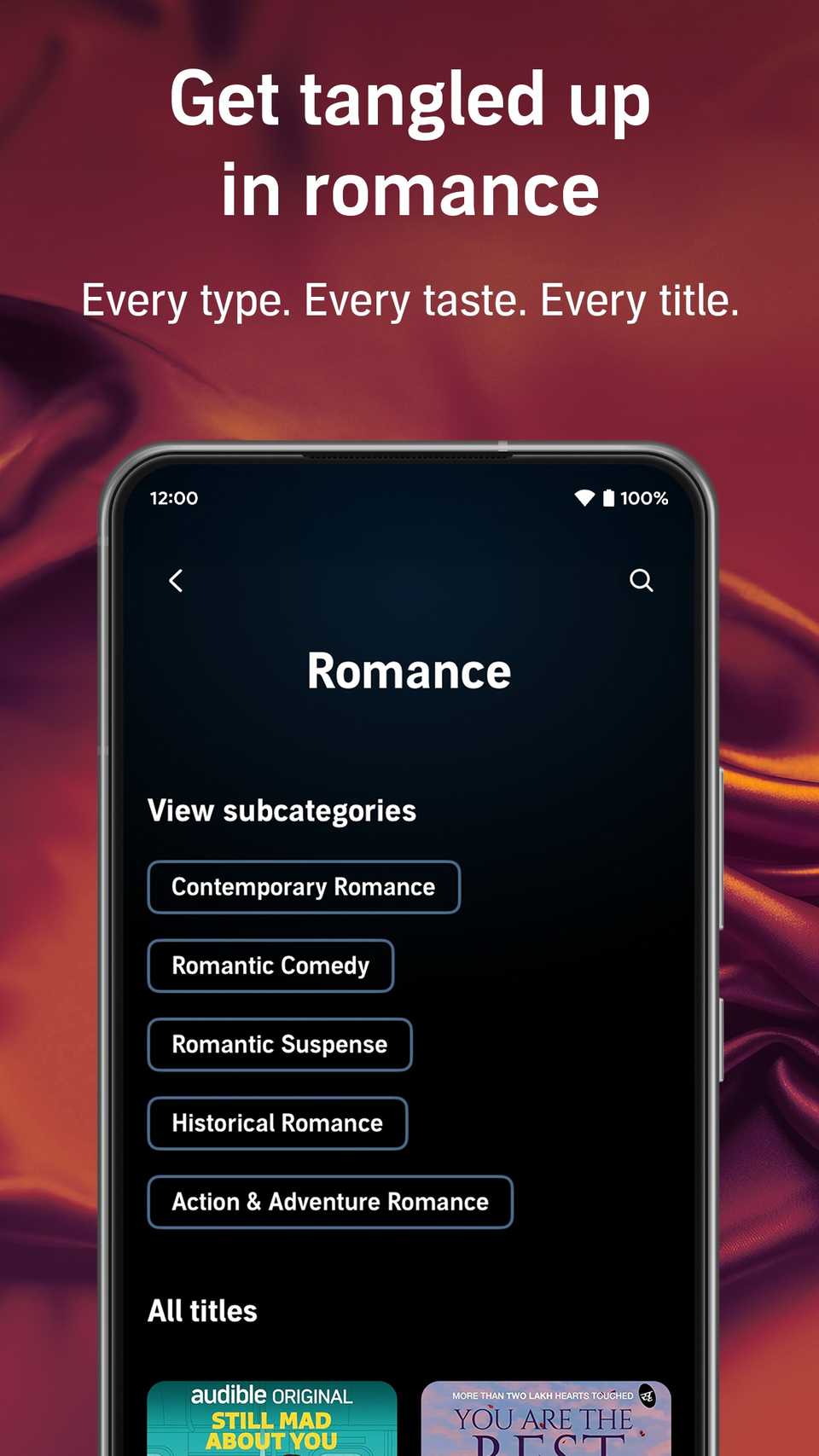
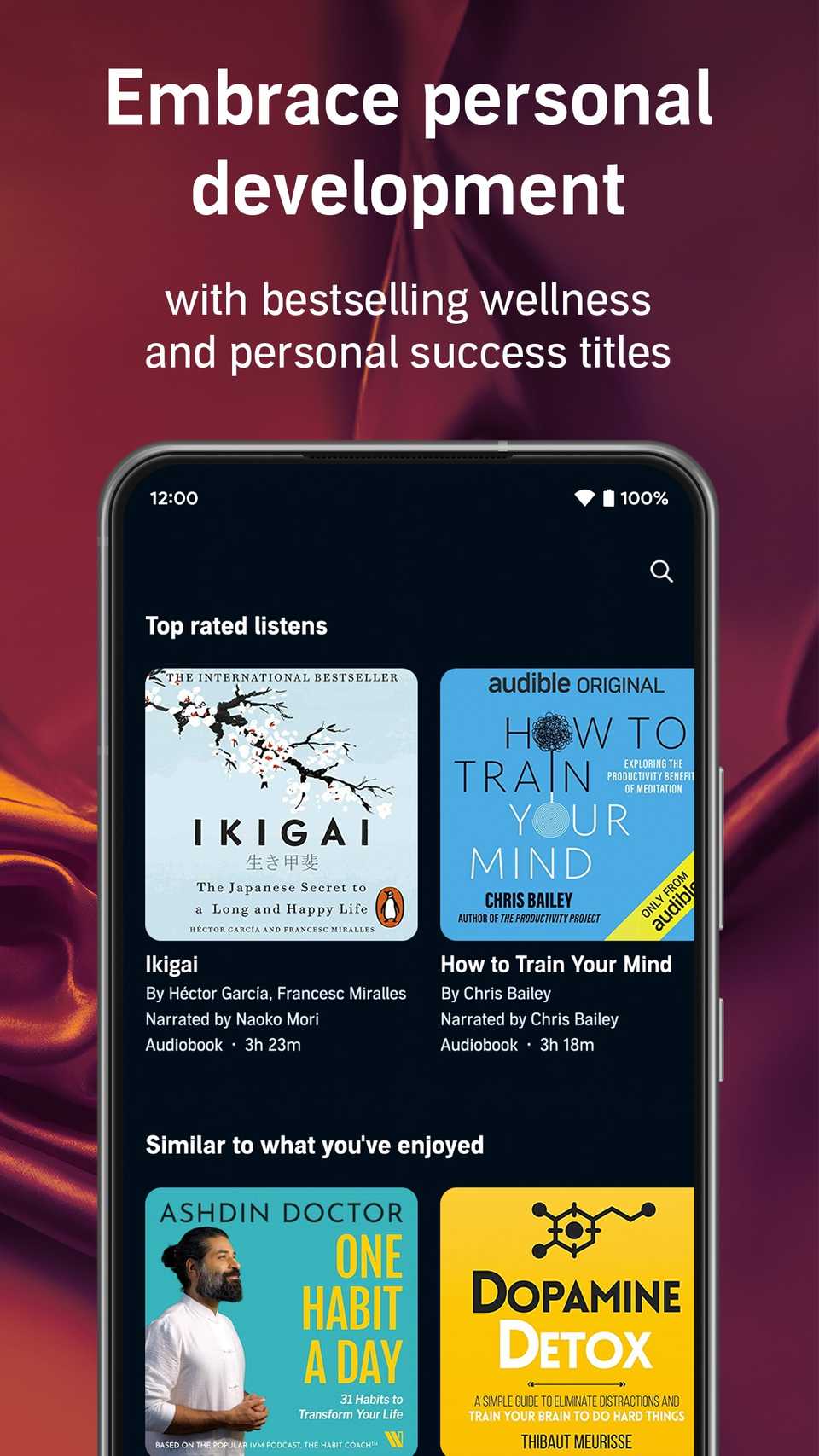
While most people think of music for their commute, Audible transforms your car into a mobile library.
On Android Auto, Audible shines by removing the complexity of browsing millions of titles in favor of a ‘safety-first’ layout.
Your Library and Wish List are the primary focus and allow you to resume your latest thriller or biography with a single tap the moment you put the car in gear.
It’s the perfect solution for drivers who want to turn a traffic jam into a productive session.
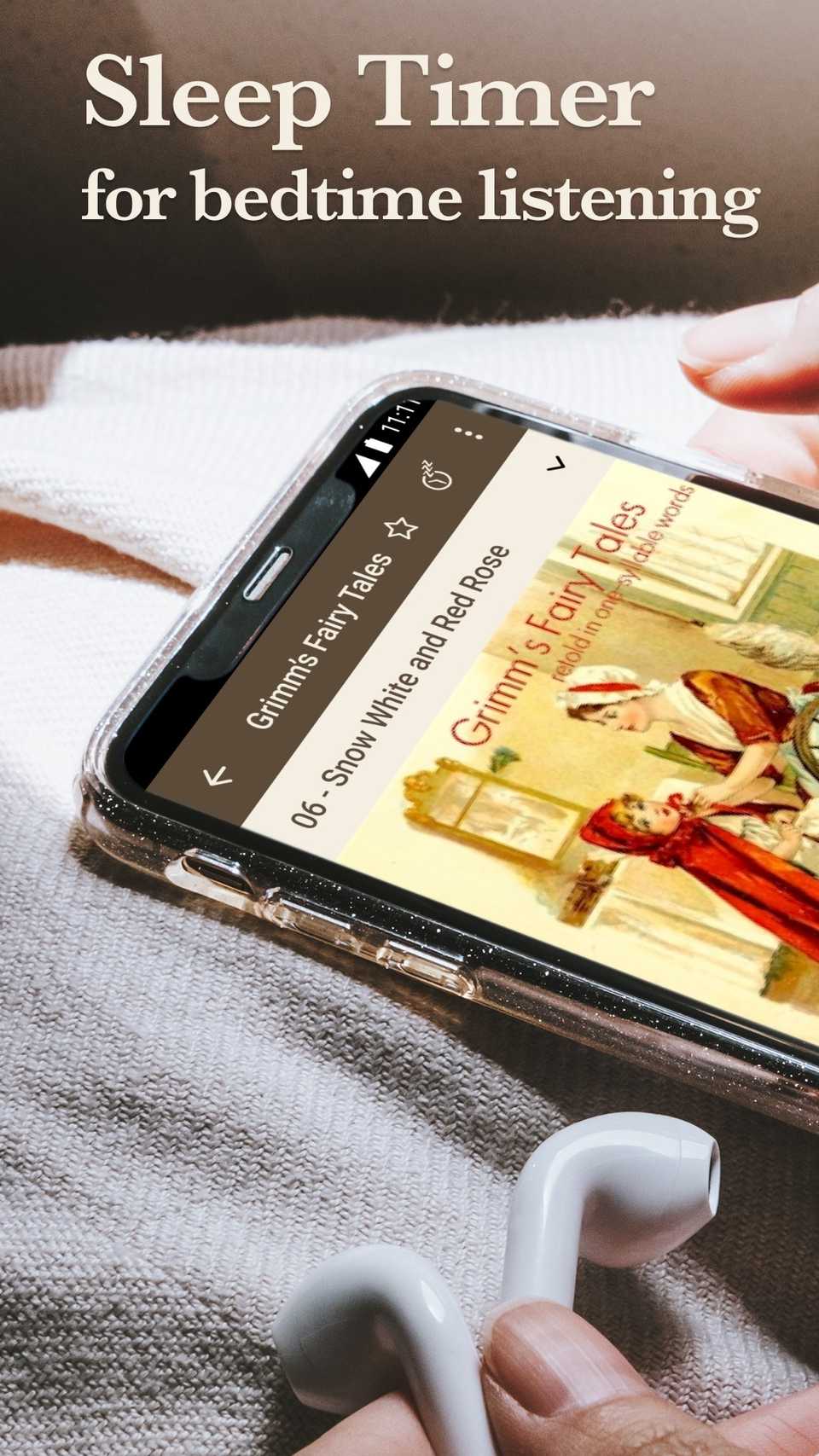
When you combine this with the Sleep Timer and Bookmark features — both of which are accessible via the Android Auto interface — you get a polished, premium audio setup on the go.
Pocket Casts
 Close
Close
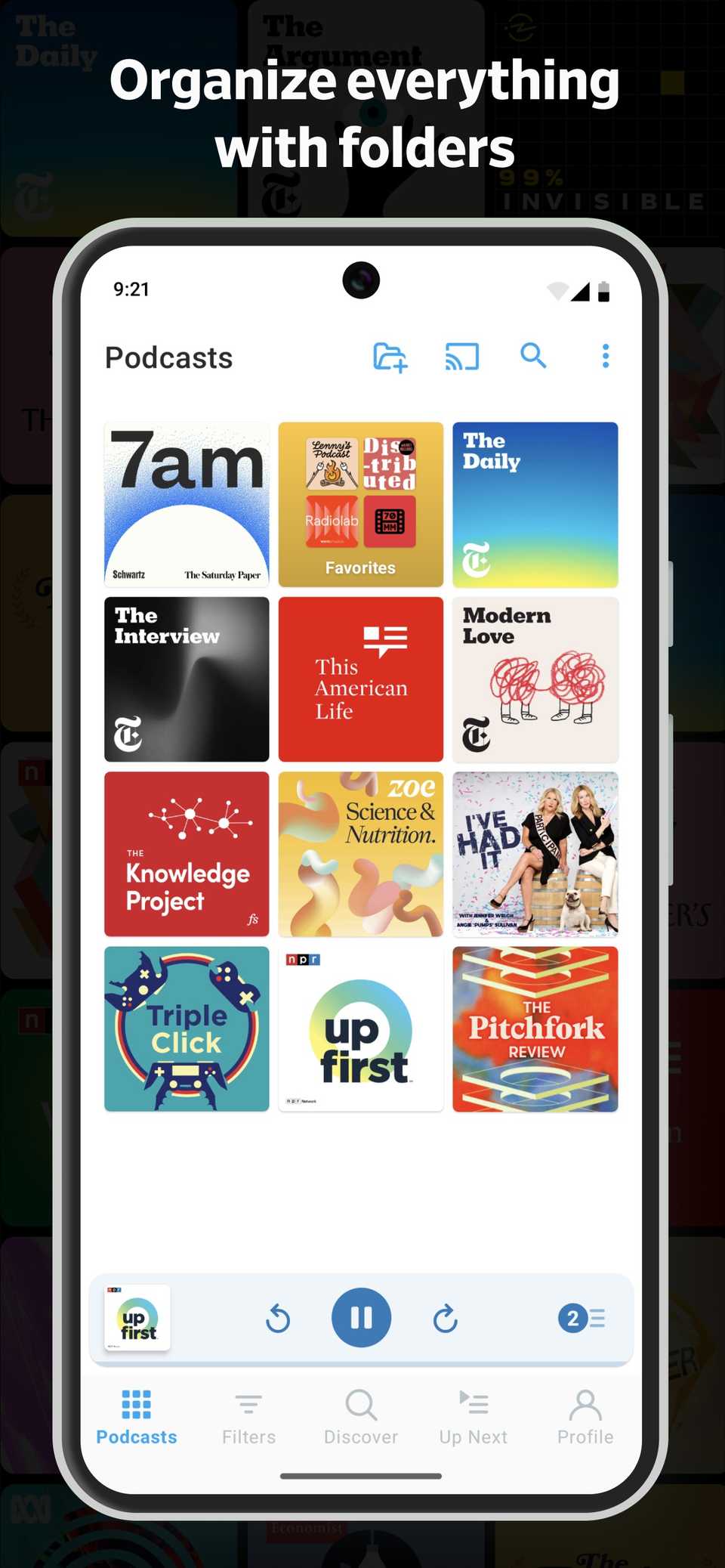
While Spotify often feels like it’s trying to sell you a hundred different things at once, Pocket Casts on Android Auto is a masterclass in focused design.
Subscribe: Android Auto app picks, privacy & audio
Keep building a privacy-first car audio setup—subscribe to the newsletter for curated Android Auto app guides, hands-on setup tips for privacy and high-quality audio, and impartial app comparisons to help choose the right tools for your dashboard. Subscribe By subscribing, you agree to receive newsletter and marketing emails, and accept Valnet’s Terms of Use and Privacy Policy. You can unsubscribe anytime.It strips away the visual noise of ‘recommended for you’ banners and algorithm-driven distractions and delivers an easy-to-use interface when you hit the road.
The navigation is simple, where you aren’t digging through endless sub-menus to find your favorite shows.
Instead, your custom-built filters — like Morning Commute or Tech News — are just a single tap away and ensure your eyes stay on the road rather than hunting for a play button.
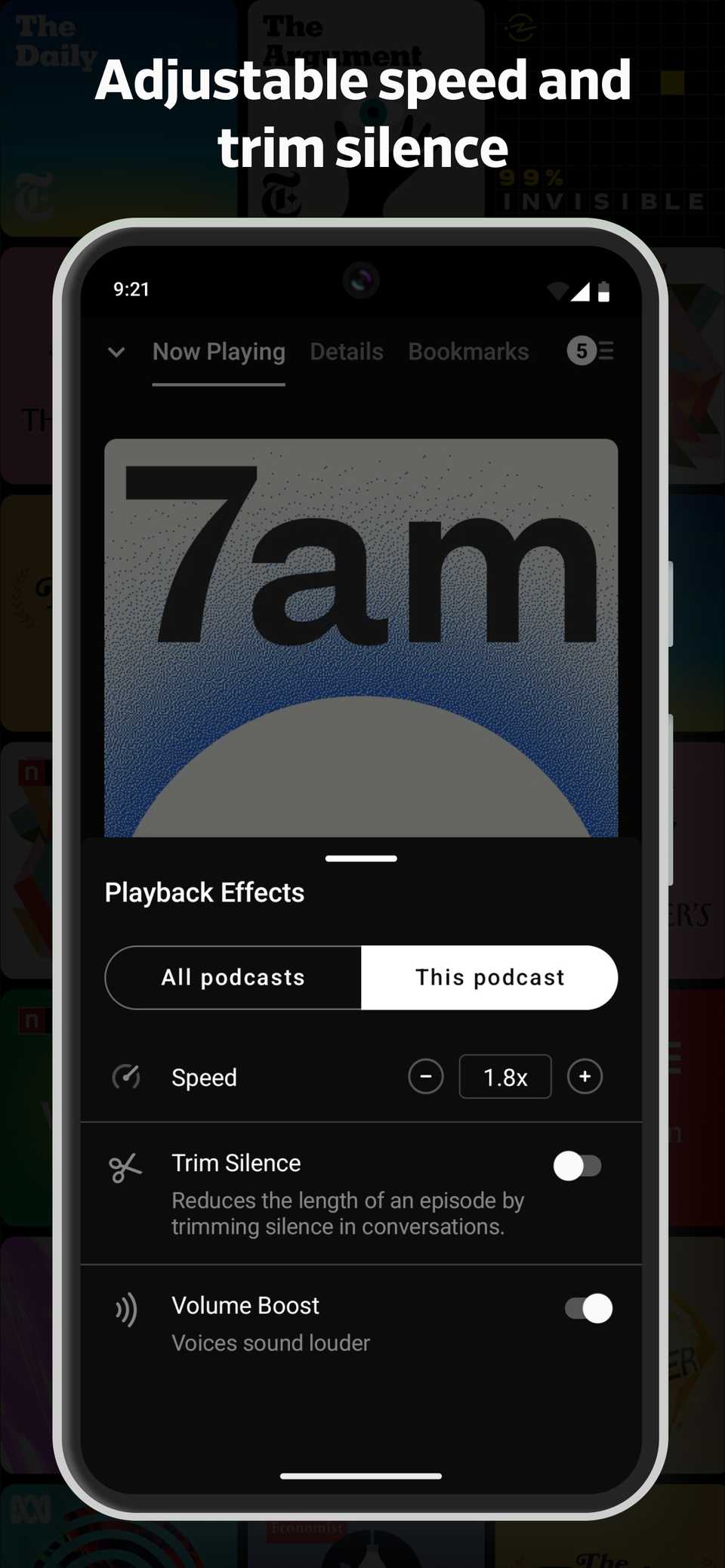
There is a specific kind of magic that happens when you use Pocket Casts’ Trim Silence feature over your car’s speakers.
On a noisy highway, long pauses in a podcast can often make you wonder if your connection dropped or if the app crashed.
By intelligently clipping out those dead air moments, the app maintains a consistent flow of information that keeps you engaged during long hauls.
When paired with the Volume Boost feature — which normalizes quiet voices without distorting audio — you get a broadcast-quality experience that manages to cut through road noise better than any ‘standard’ music streaming app ever could.
Supercharge your commute
Overall, the Android Auto ecosystem is far more versatile than it first appears.
By choosing tools that prioritize privacy and customization, you can transform your car’s dashboard from a portal for algorithms into a truly personal media hub.
It’s time to stop letting Spotify dictate your commute and start listening on your own terms.
Aside from these, here are other Android Auto apps that deserve a place on your home screen.
Follow Followed Like Share Facebook X WhatsApp Threads Bluesky LinkedIn Reddit Flipboard Copy link Email Close Trending Now How to pair and use an Apple Watch with an Android phone
 8 Android Auto settings you didn't know you needed to change
 What is Roblox? Navigate the popular game creation platform with ease